
Raster or vector – what is the difference and which is better for print?
When you prepare photographs, logos or graphic designs for print, you will come across two basic types of graphics – raster and vector.
On screen, the difference is sometimes barely noticeable, but in print, especially at larger formats, an incorrectly prepared file can result in blurry photographs, pixelated logos and fuzzy lines.
That is why it is important to know when raster is used, when vector is used, and why professional print preparation usually involves a combination of both.
What are raster graphics?
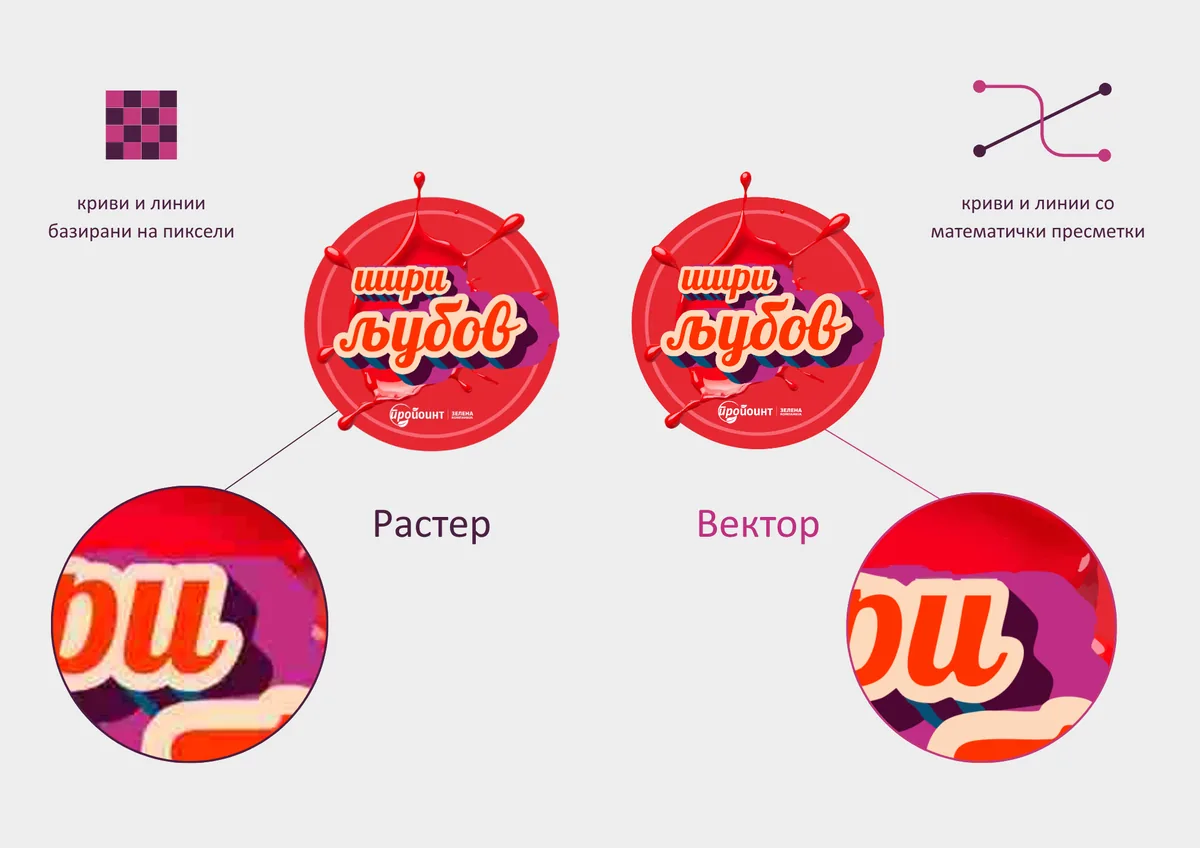
Raster graphics are made up of a large number of tiny dots – pixels – which together form the image.
Photographs are the best example. They contain a great deal of detail, shadows, textures and gradual transitions between colours, which is why the raster format is the most suitable way to display them.
However, a raster image has a fixed number of pixels. If we enlarge it too much, the same pixels have to cover a larger area and the image gradually becomes blurry or pixelated.
This is exactly why, with raster photographs for print, the resolution relative to the final print size matters. On screen, images look fine at 72 or 96 DPI, but high-quality printing requires a much higher resolution, usually 300 DPI.
The most commonly used raster formats are JPG, TIFF and PSD, while PNG is more often used for digital applications, although it can also appear in print-ready files.
What are vector graphics?
Unlike raster graphics, vector graphics are not built from a fixed grid of pixels. Their lines, curves and shapes are defined mathematically. As a result, a vector element can be scaled up or down without becoming pixelated.
A logo, for example, can be a few centimetres wide on a business card or considerably larger on another printed product, and its lines and edges will still remain sharp.
That is why vector graphics are particularly well suited to logos, icons, typography, lines and graphic illustrations.
The most commonly used vector formats are AI, EPS, SVG and CDR, while a PDF can contain vector elements, raster images or a combination of both.
Files can be converted from vector to raster without any problem, but the reverse process (from raster to vector) is not always accurate and often requires manual work, during which detail and quality may be lost. It is also worth knowing that a single file can sometimes contain both raster and vector elements at the same time.
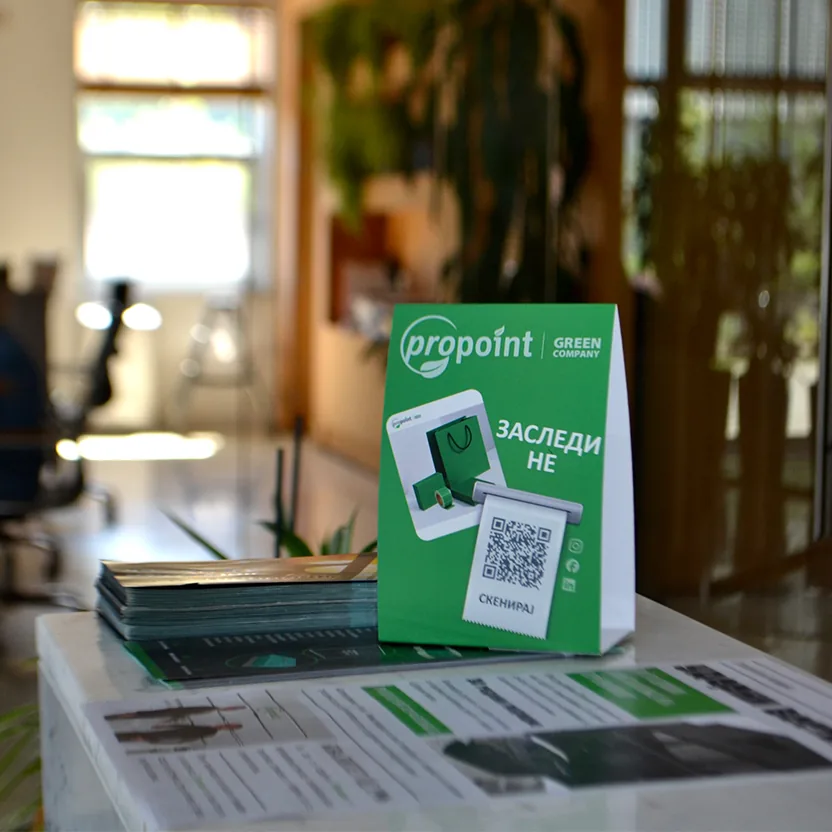
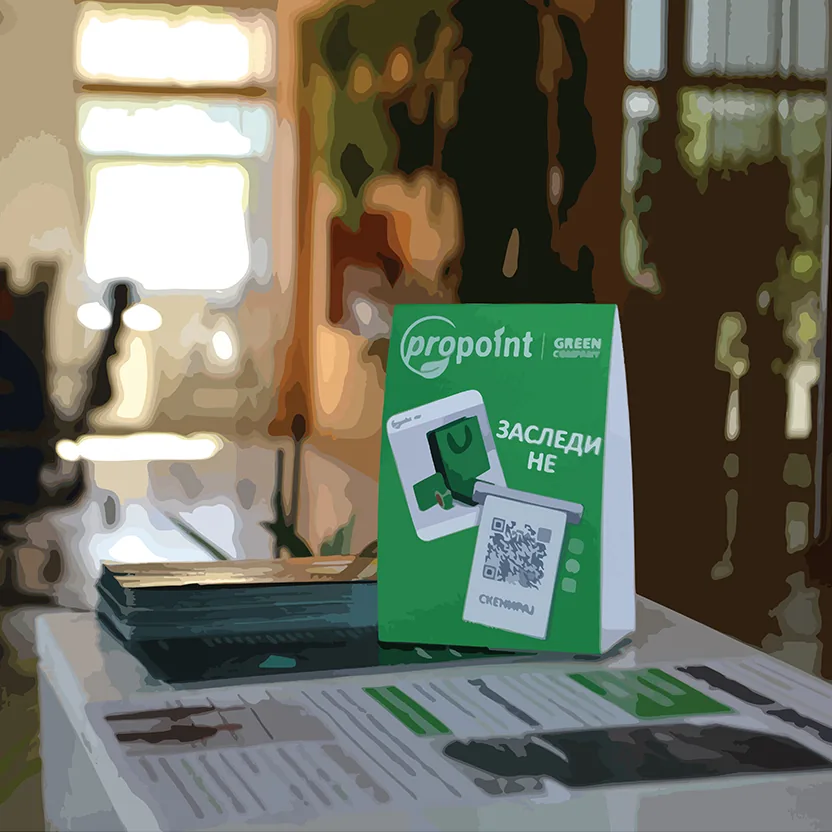
Correct preparation of raster and vector elements is one of the key steps towards a good end result.
At Propoint, every file is checked and prepared before printing, so that photographs, text and graphic elements are set up correctly and reproduced to a high standard in the finished product.